A workspace that shows the data behind the analysis.
Inspect visible observations, numeric and categorical variables, missing cells, distributions and category counts before choosing a method.
Explore data preparationPrepare your data. Choose a method. Explore figures and export your results. One native Mac workspace for independent researchers, students and small teams.
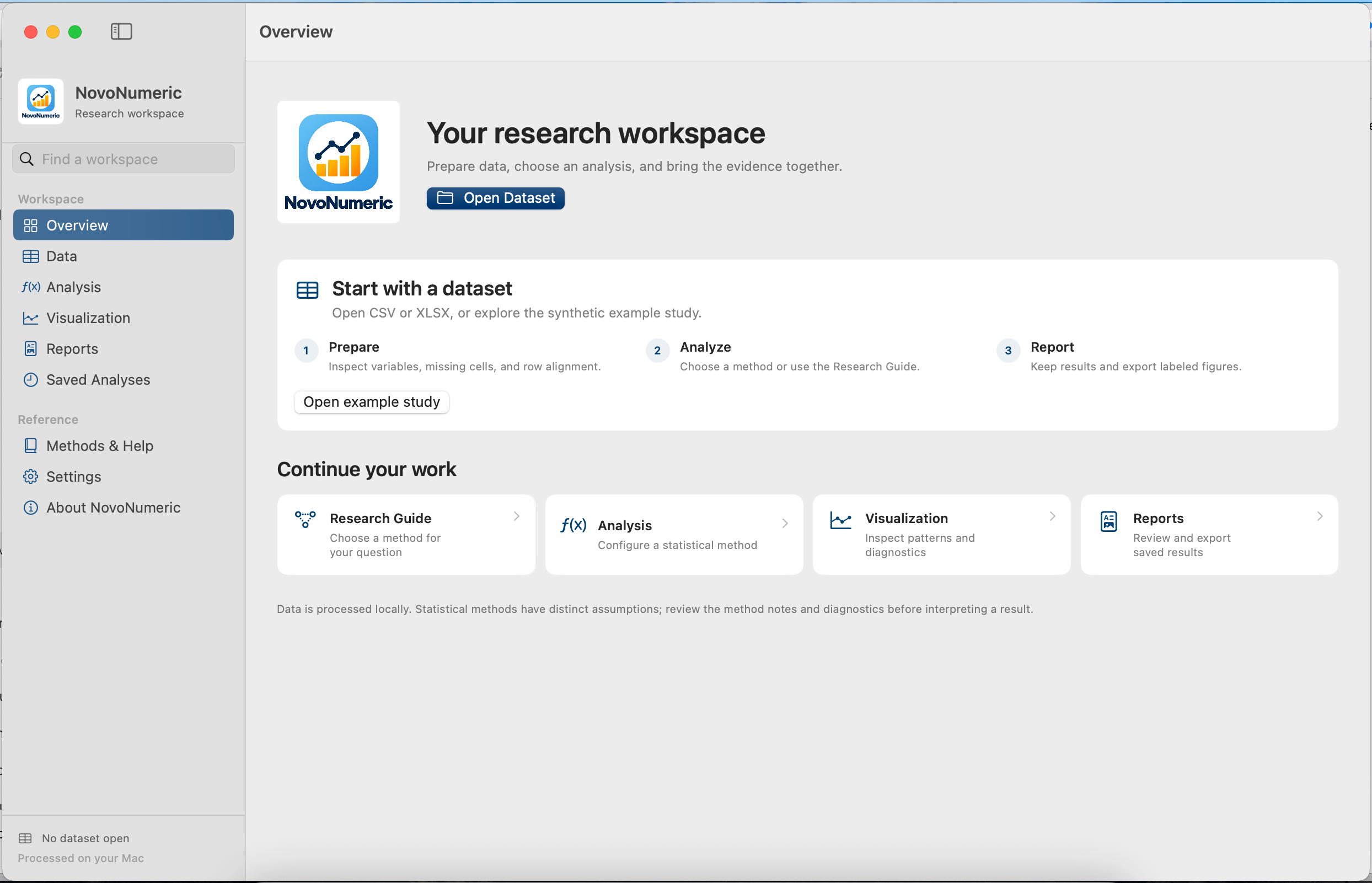
An updated product overview of an established Mac research application. Start with the data, keep your question in focus, and bring the evidence together.
Inspect visible observations, numeric and categorical variables, missing cells, distributions and category counts before choosing a method.
Explore data preparationUse 2D charts and six 3D modes. Adjust camera views, choose palettes or a custom primary colour, and export figures for your research documents.
See the visualization gallerySave analyses to Reports, review their results and figures, and export selected reports as a PDF. Remove a working dataset while keeping its original file and saved reports.
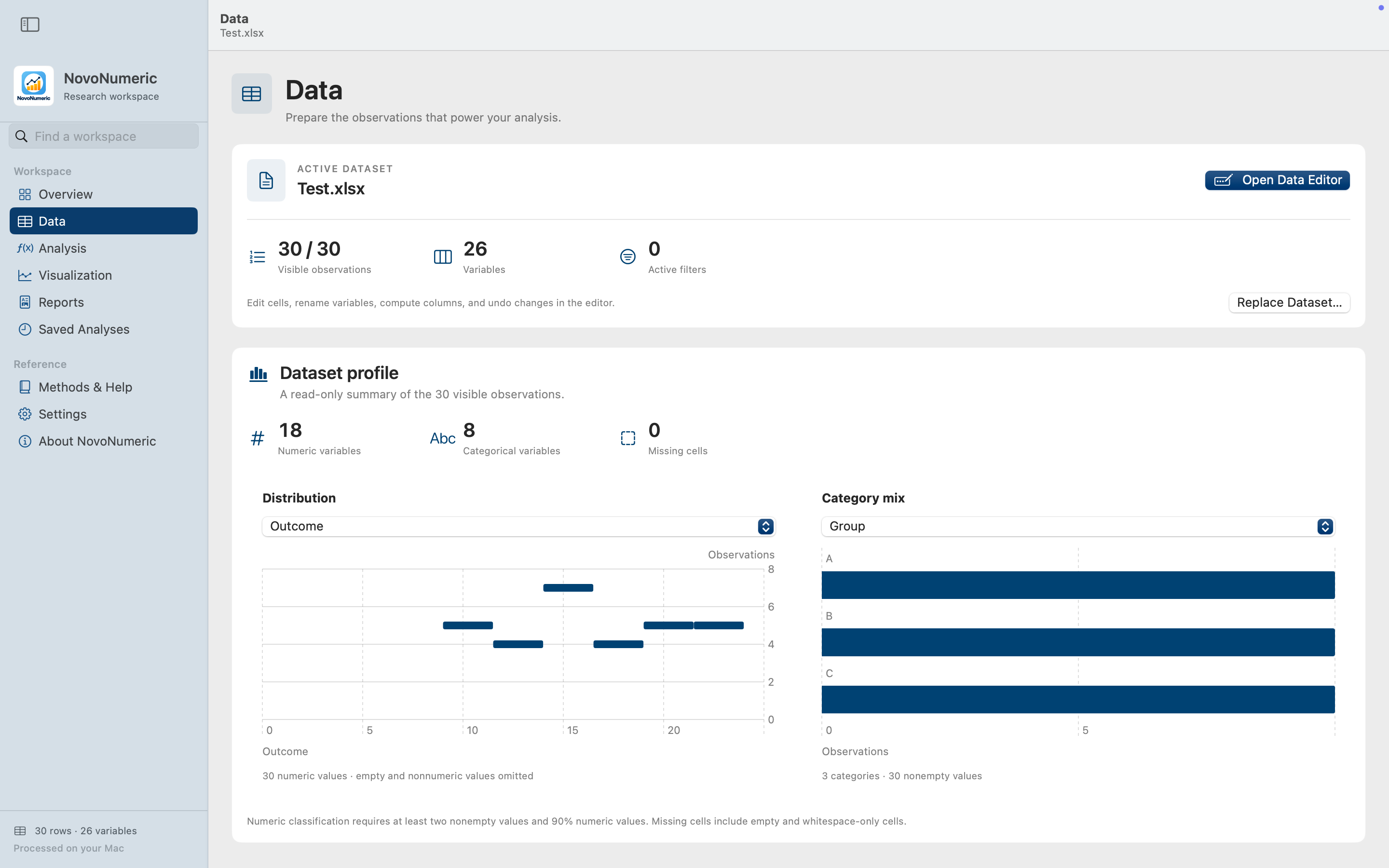
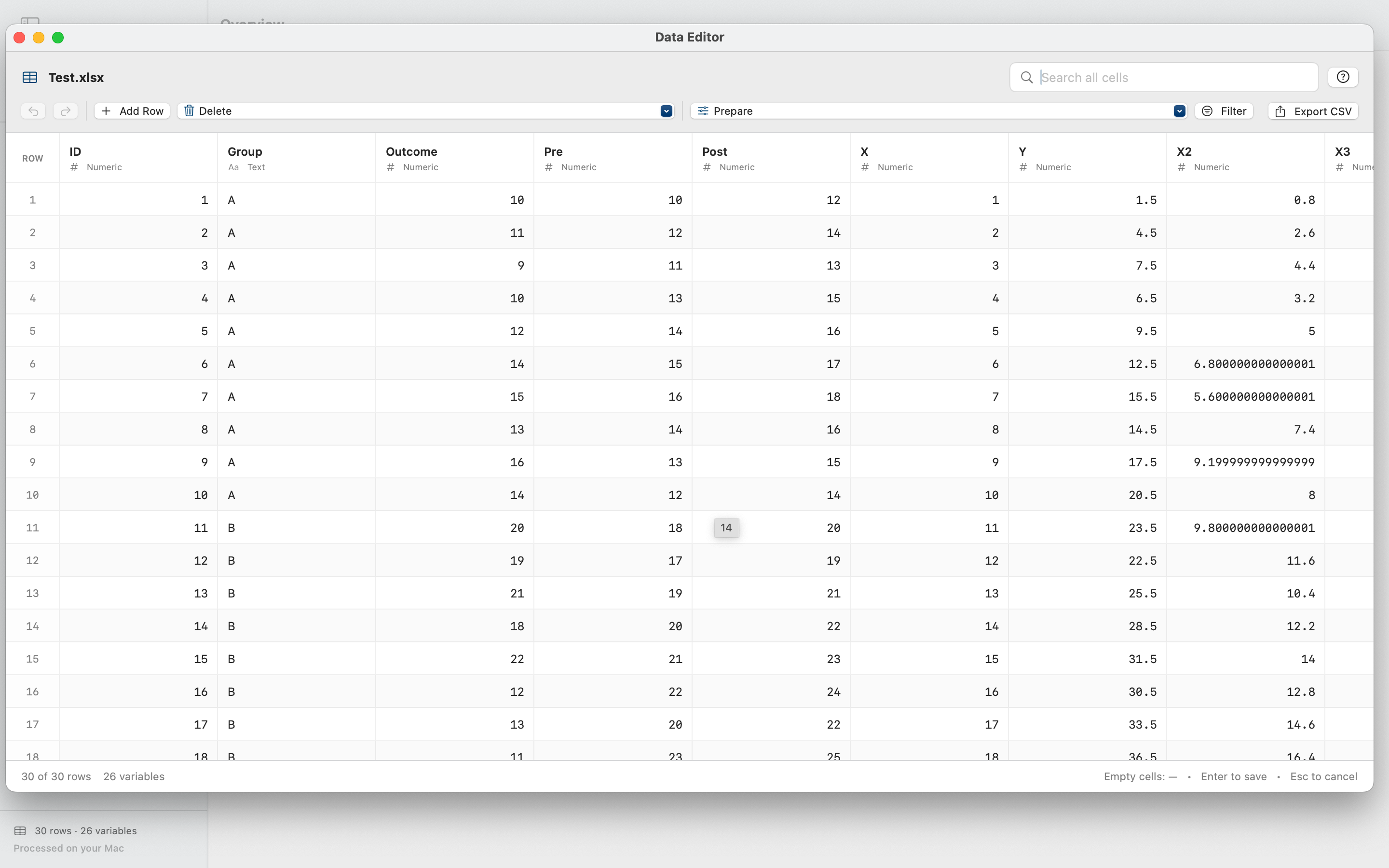
Import a CSV or Excel workbook, inspect the dataset, then work in the dedicated Data Editor. Preparation controls are part of the same Mac workflow.
Choose a research goal, inspect the suggested analysis and its assumptions, then open the analysis. The guide supports method selection; study design and interpretation remain yours to assess.
From group comparisons to relationships, prediction, reliability and sample-size planning: give the statistical question a clear starting point.
Read the Research Guide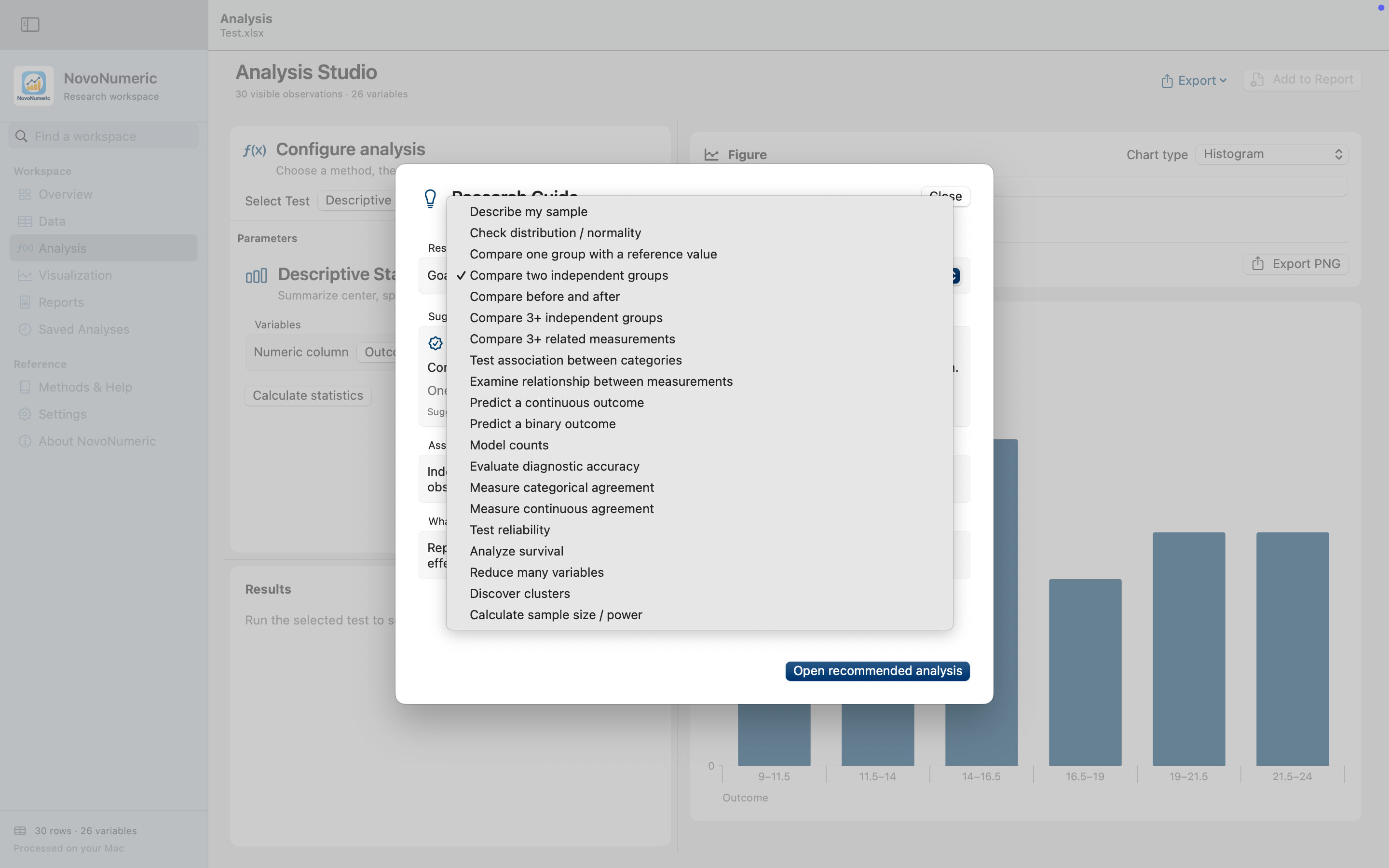
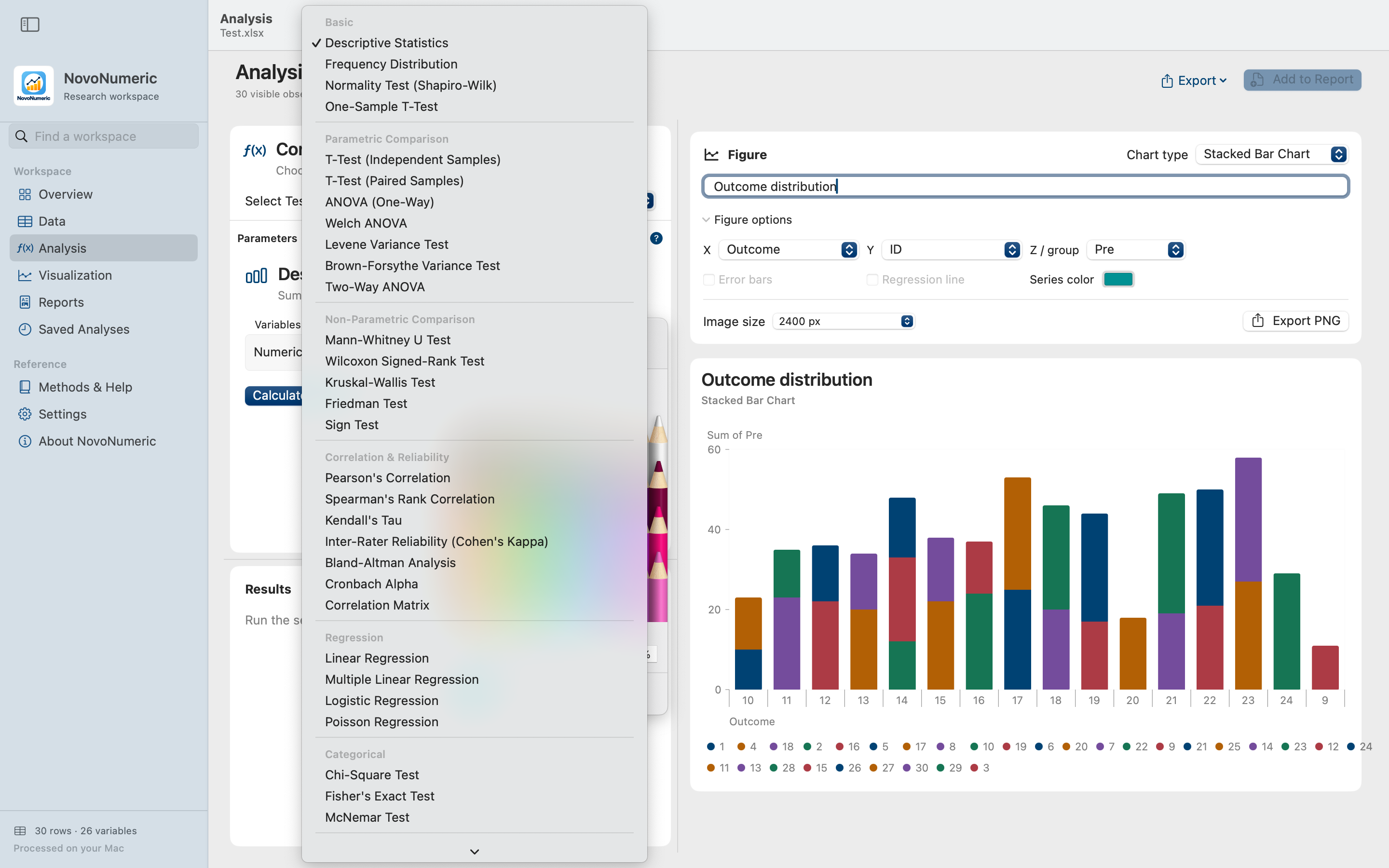
Use direct method selection when you know the route. Explore comparisons, relationships, regression, reliability and more without a command-line workflow.
Build figures for analysis and communication: distributions, comparisons, model diagnostics, component structure and 3D exploration.
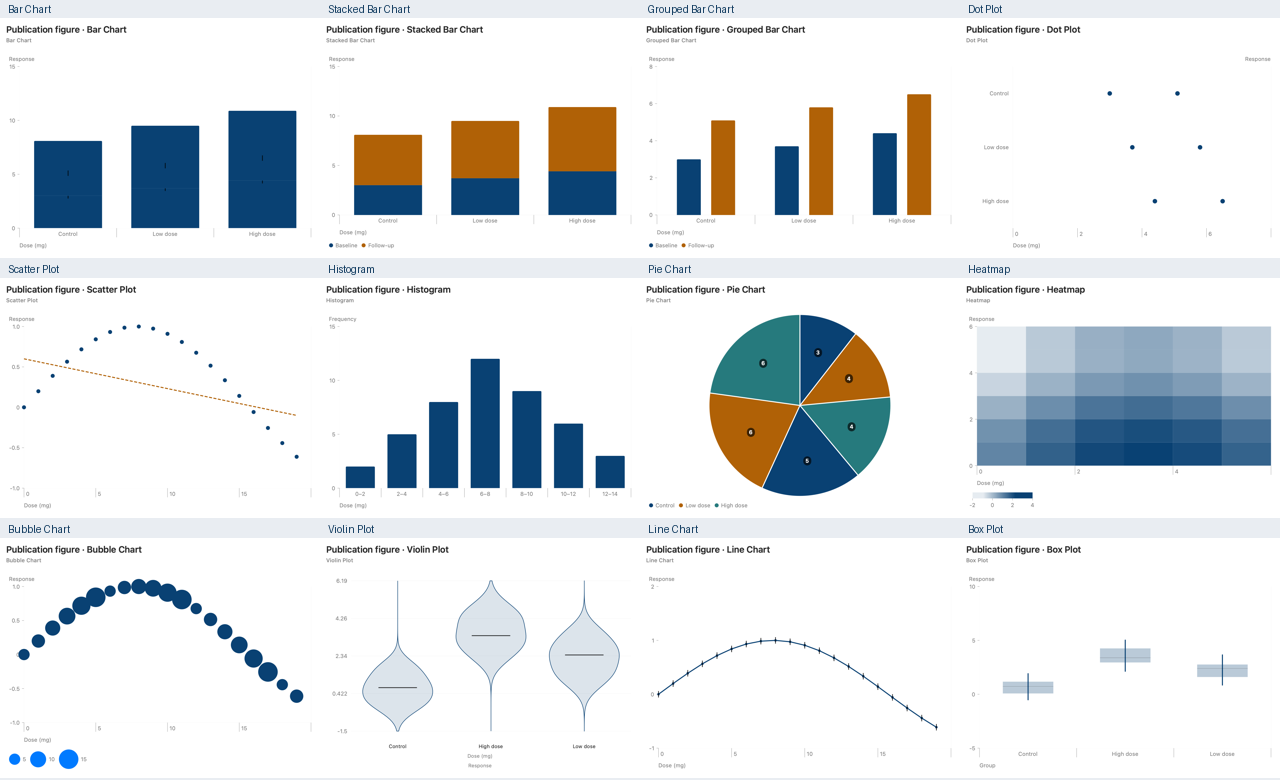
3D modes include bar, histogram, scatter, surface, PCA scores and bubble views. Use rotation, zoom, camera presets and reset; choose a preset palette or a custom primary colour.
Explore visualization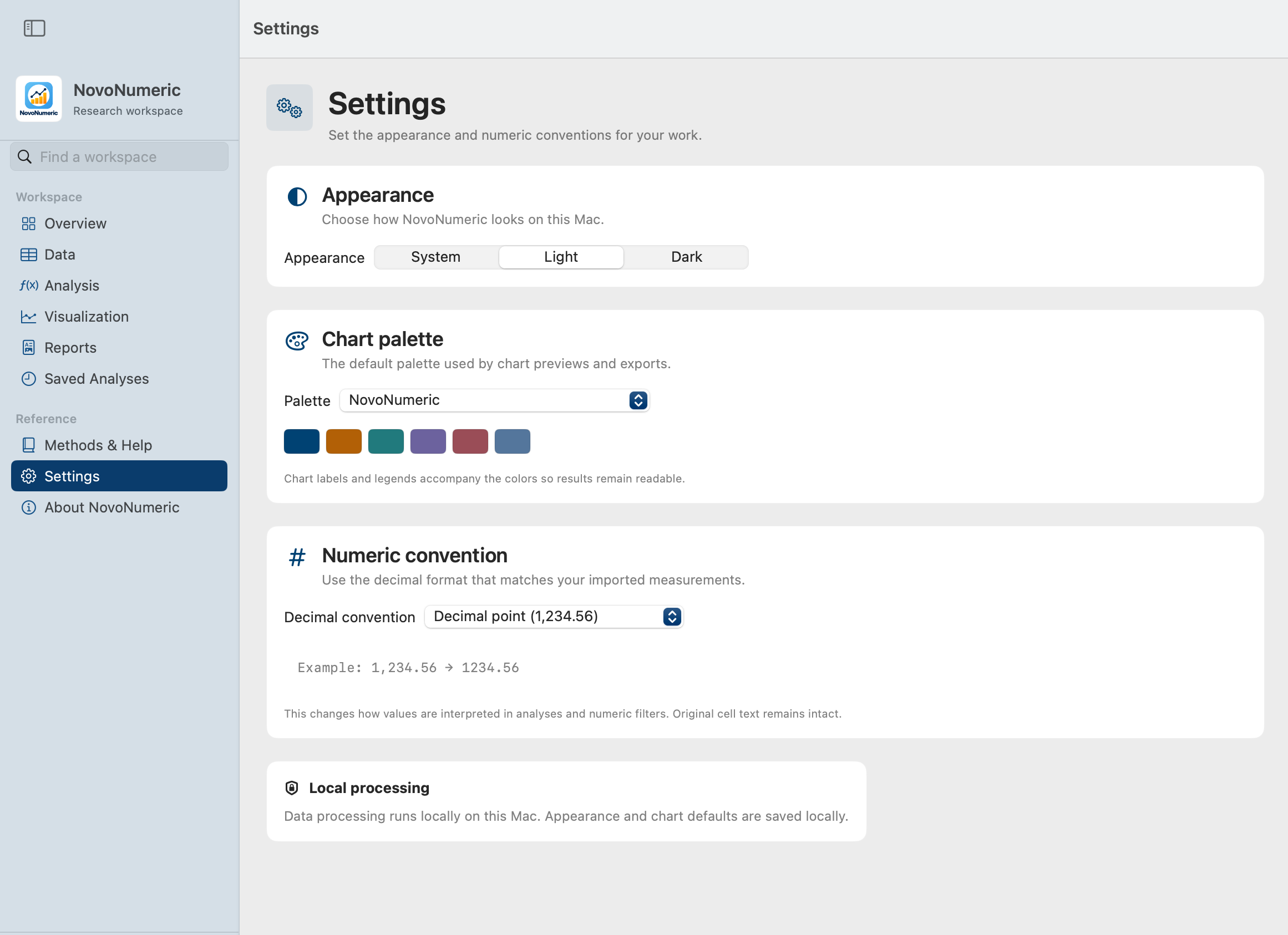
Choose light, dark or system appearance. Set a chart palette and select the decimal convention that matches your measurements. Original cell text remains intact.
Core data processing runs on your Mac. Your local workspace retains dataset data and filters, while saved analyses bring results and figures into Reports.
Export edited data as CSV, figures as PNG, and saved reports as PDF. Review methodological notes and diagnostics alongside the statistical output.
Data preparation, method selection, analysis, figures and reports. Built for the way you work on a Mac.